01
Text editing
Update information that needs to change without rebuilding the entire document.
- Edit existing text
- Replace a word or line
- Change a date or amount
- Add free text
 TRINITY
LOCAL PDF EDITOR FOR WINDOWS
Edit text, a date or an amount in a PDF on Windows.
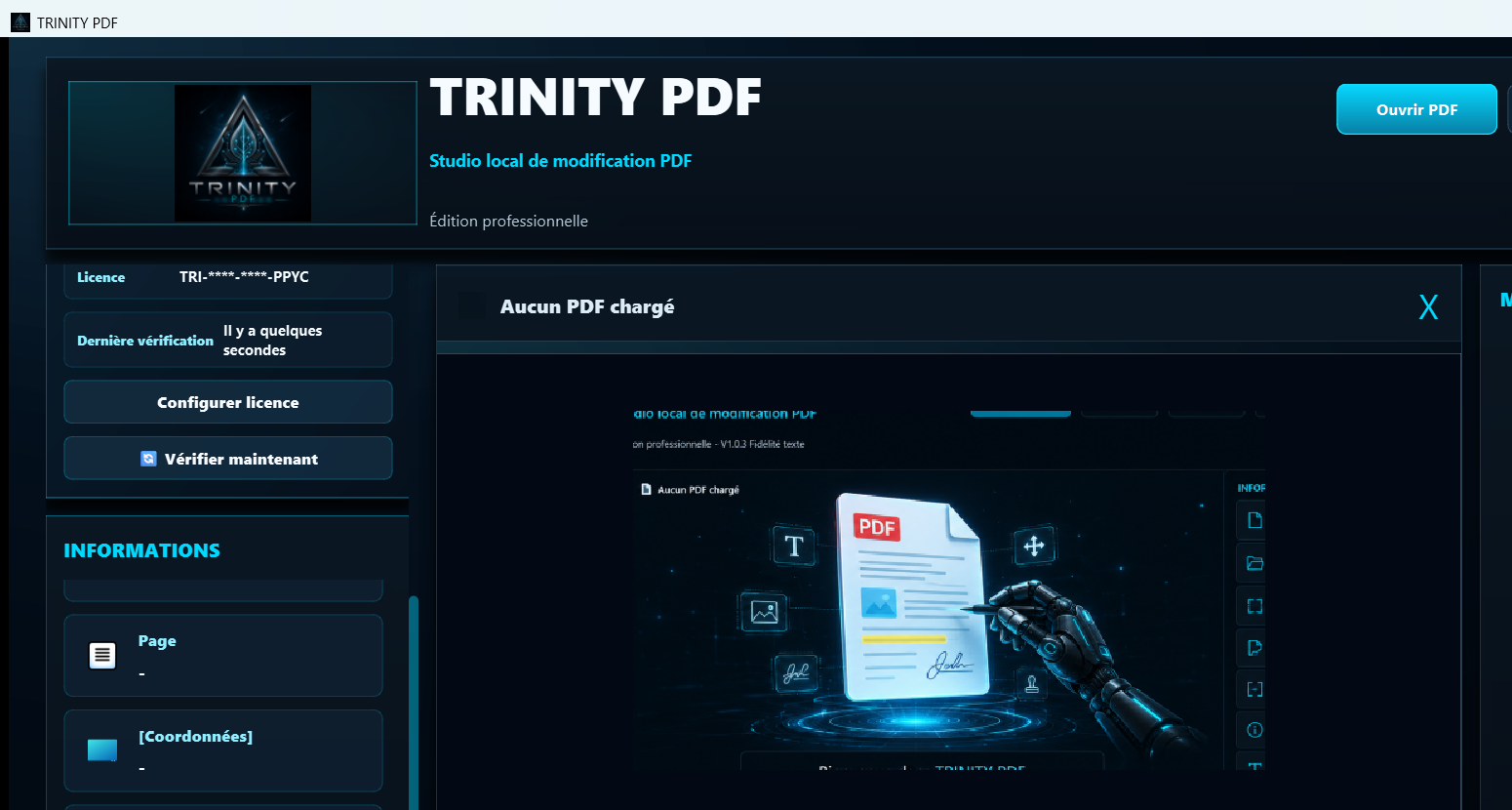
TRINITY PDF is a Windows PDF editor designed to work locally with your documents and export a new version while preserving font, size, position, style and structure as closely as possible.
Try TRINITY PDF free with 2 complimentary edits.
Edit a word/text, a date or an amount, in any combination, then export your PDF.
No credit card required.
Permanent license — no subscription. Free download available.
FEATURES
Edit PDF text, adjust formatting, work with images and review every change before export.
Update information that needs to change without rebuilding the entire document.
Adjust text appearance and preserve consistency when the PDF structure allows it.
Update visual elements from the same workspace.
Stay in control of your edits before producing the final document.
Finish your work in a desktop application dedicated to Windows.
WINDOWS APPLICATION
TRINITY PDF installs as a dedicated desktop application. You open and edit local files without using a browser-based editing interface.
The commercial journey connects the licence to TRINITY HUB and provides the Windows download after purchase confirmation.
EDITING WORKFLOW
The original document remains intact: changes are reviewed before a new PDF is exported.
COMMON USES
For correcting and adapting documents you created or are legitimately authorised to modify.
Correct information in a document you are authorised to edit.
Update a deadline, period or time reference.
Adjust a value in your own quotes, templates or documents.
Update contact details that are no longer current.
Reuse an existing document for a new legitimate need.
Complete a page with a clarification or free text.
Update an authorised logo, illustration or visual.
TRINITY PDF is an editing tool. It must not be used to falsify a document, mislead another person or alter official content without permission.
FREE TRIAL
Try TRINITY PDF with 2 free edits on your PDF files.
Edit a word, a date or an amount, then export your document.
No payment card required to try it.
TRINITY PDF OFFER
One purchase to use TRINITY PDF on one Windows device. No monthly subscription.
PURCHASE JOURNEY
After confirmation by Paddle, TRINITY HUB creates your licence and displays the secure Windows downloads.
Confirmation of the one-time purchase through secure Paddle Checkout.
Creation of the licence associated with one device.
Secure access to Windows files from the delivery page.
Entry and verification of the licence through TRINITY HUB.
Open TRINITY PDF and work on your documents.
SYSTEM
Published information is limited to details currently confirmed.
FREQUENTLY ASKED QUESTIONS
No. The offer is a one-time €7.99 purchase with a permanent licence for one device.
Yes. The free version includes 2 simple edits in any combination of word or text, date and amount, followed by PDF export. No payment card is required.
The current licence allows a maximum of one device.
The secure page shown after purchase lets you download the application immediately. If you closed that page, contact support using the address supplied during payment.
The normal workflow is designed to export an edited document. Always retain the original file and review the result before final use.
No. Some complex PDFs use embedded fonts, protections, multicoloured text or multiple text segments that may limit the fidelity of certain changes.
Yes. TRINITY PDF is under continuous development and improvement. Distribution terms for future versions will be announced separately.
TRINITY PDF FOR WINDOWS
One-time purchase · Permanent licence · Windows · 1 device